OneBooks GST+ Logo
WhatsApp Messaging

Run WhatsApp campaigns with live delivery tracking

Connect your WhatsApp Business account, create Meta-approved templates, upload recipient lists, and monitor delivery from one dashboard.

Connect WhatsApp Business through Meta OAuth and manage templates in-app

Import recipients from CSV or Excel with field mapping and scheduled broadcasts

Track sent, delivered, read, and failed statuses for every campaign

Page overview

How this workflow fits into the OneBooks GST+ platform

Connect WhatsApp Business, create approved templates, upload recipients, and run broadcast campaigns with delivery and read tracking inside OneBooks GST+. This page focuses on the specific workflow, audience, and outputs available in OneBooks GST+ so visitors can compare this capability with the rest of the platform before signing up or requesting help from the team.

Use the related workflow links, pricing section, and FAQ content below to understand where this feature fits, what kind of user it is built for, and which downstream exports or actions are available after the workflow is complete.

Best fit for

Client-facing teams, agencies, and operations teams

Connect WhatsApp Business through Meta OAuth and manage templates in-app
Import recipients from CSV or Excel with field mapping and scheduled broadcasts
Track sent, delivered, read, and failed statuses for every campaign

WhatsApp Campaigns

Connect your WhatsApp Business account, upload recipients, create approved templates, and send campaigns with live delivery tracking.

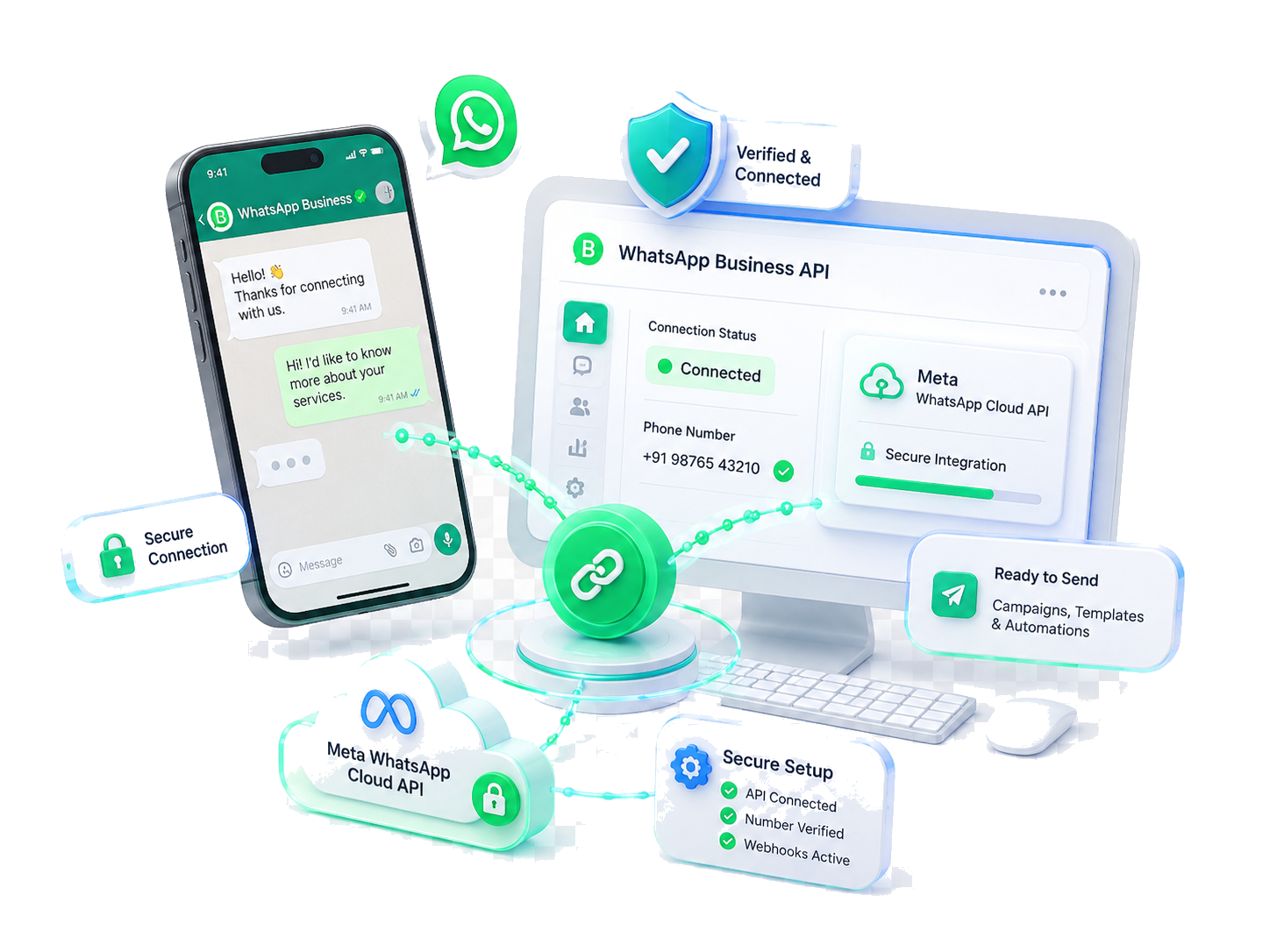
Connect WhatsApp Business illustration
1

Connect WhatsApp Business

Connect your login user's WhatsApp Business account through Meta OAuth, verify the number, and keep it ready for campaigns.

Key Features:

Meta OAuth
Login-scoped
Secure Setup
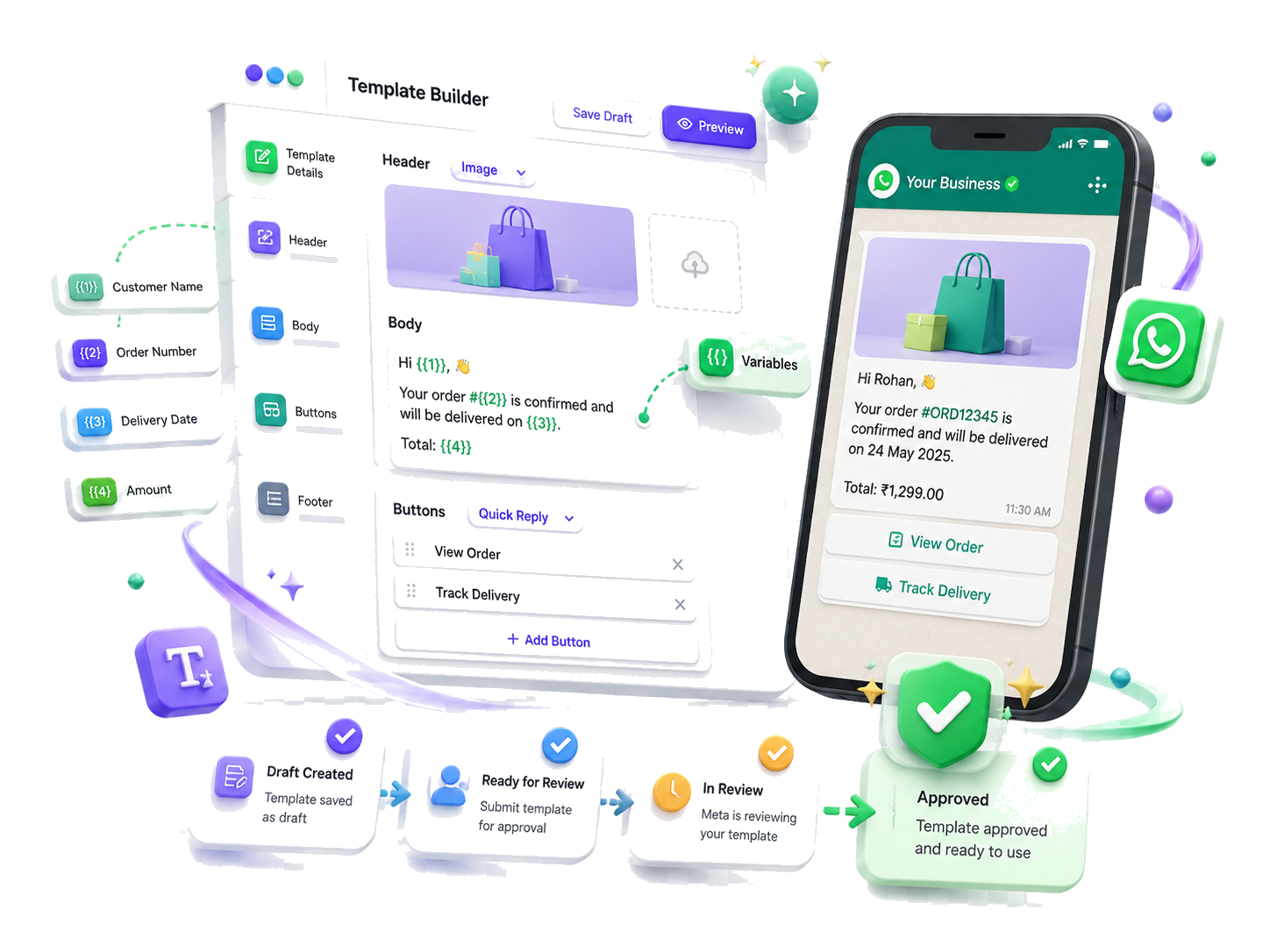
Create WhatsApp message template illustration
2

Create & Submit Templates

Build personalised message templates directly from your dashboard — marketing, transactional, or utility. Add variables, buttons, headers, and footers, then submit for Meta approval and track the status in real time.

Key Features:

Variable Placeholders
Buttons & Headers
Approval Tracker
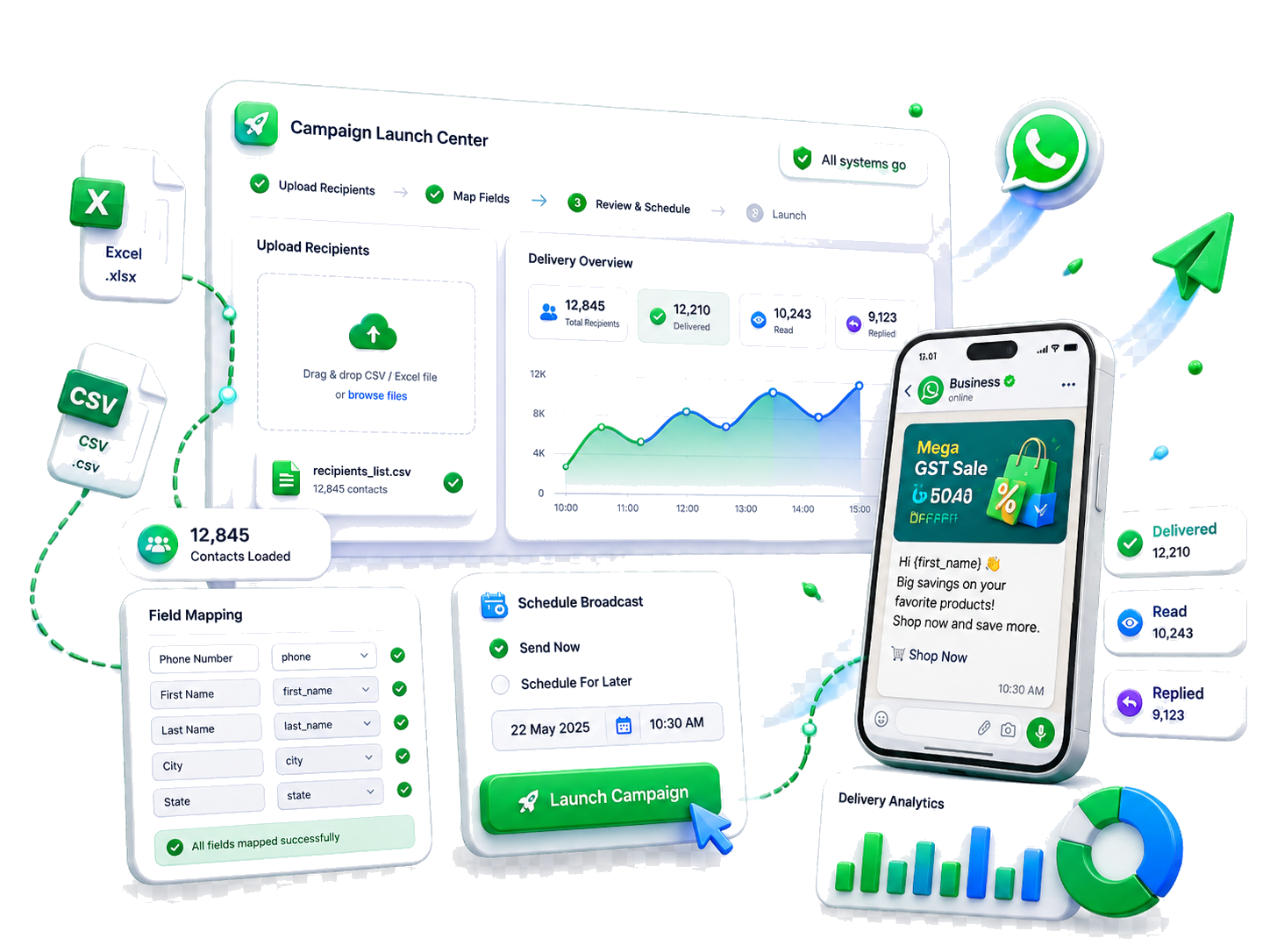
Launch WhatsApp campaign and track delivery illustration
3

Upload Recipients & Launch

Upload CSV or Excel files, map the recipient fields, launch one-time or recurring broadcasts, and monitor sent, delivered, read, and failed counts from the live dashboard.

Key Features:

CSV / Excel Import
Field Mapping
Delivery Analytics
Scheduled Broadcasts
Start Messaging Clients

No credit card required • Free wallet credits on signup

Simple, Transparent Pricing

Choose the Perfect Plan

Free trial available on eligible plans. No credit card required

Need a custom plan? Contact our sales team

FAQ

Frequently Asked Questions

Everything you need to know before getting started.

We support Amazon, Flipkart, Meesho, Myntra, AJIO, JioMart, Snapdeal, GlowRoad, LimeRoad, Shop101, Nykaa, and more. We also support direct GSTR1 Excel uploads and B2B/B2C manual file uploads — so any seller can get started regardless of their platform.

Still have questions? Visit our Support page or reach us directly.

Start Free — No Card Required